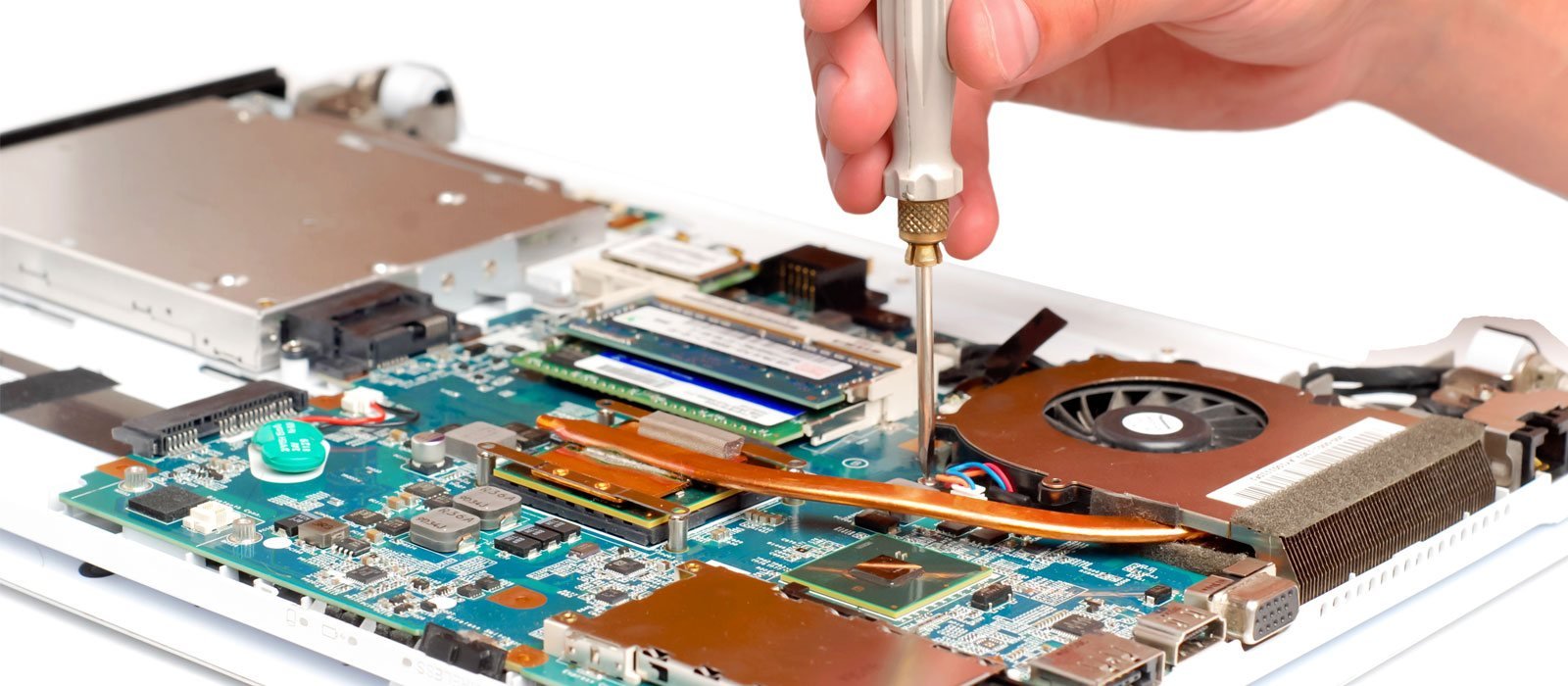

Laptop batteries wear out over time. Most last two to four years before they hold noticeably less charge. A battery that drains fast is annoying – but a battery that swells is a safety risk and needs attention straight away.
Signs your battery is wearing out
- The charge drops quickly, even with light use.
- The laptop switches off at 20–30% without warning.
- It only works when the charger is plugged in.
- Windows or macOS shows a message such as “Consider replacing your battery” or “Service recommended”.
Warning signs of a swollen battery
- The trackpad is raised, stiff or hard to click.
- The bottom case bulges or the laptop rocks on a flat table.
- Gaps appear between the keyboard and the case, or the screen does not close properly.
What to do if the battery is swollen
- Stop using and charging the laptop. Unplug the charger.
- Do not press, bend or puncture the battery, and do not try to force the case shut.
- Keep the laptop on a hard, non-flammable surface, away from beds, sofas and paper.
- Do not throw the battery in the household bin – old batteries must be recycled safely.
- Get the battery replaced by someone who can remove it safely.
Make your new battery last longer
- Avoid leaving the laptop on soft surfaces that block the air vents.
- Do not keep it in a hot car or in direct sunlight.
- Many laptops have a “battery care” setting that stops charging at about 80% – turn it on if you use the laptop plugged in most of the time.
Battery replacement in Winsford
We replace batteries for most laptop makes, including HP, Dell, Lenovo, Acer, Asus and Apple MacBook. We check the part number so you get the right battery, and we test the charging system at the same time. See our laptop repair service.
Need a hand? Contact us or call us on 07963 598 960. We are on High Street in Winsford and also help customers from Middlewich, Northwich and across Mid-Cheshire. We will take a look and tell you honestly what is worth doing before any work starts.