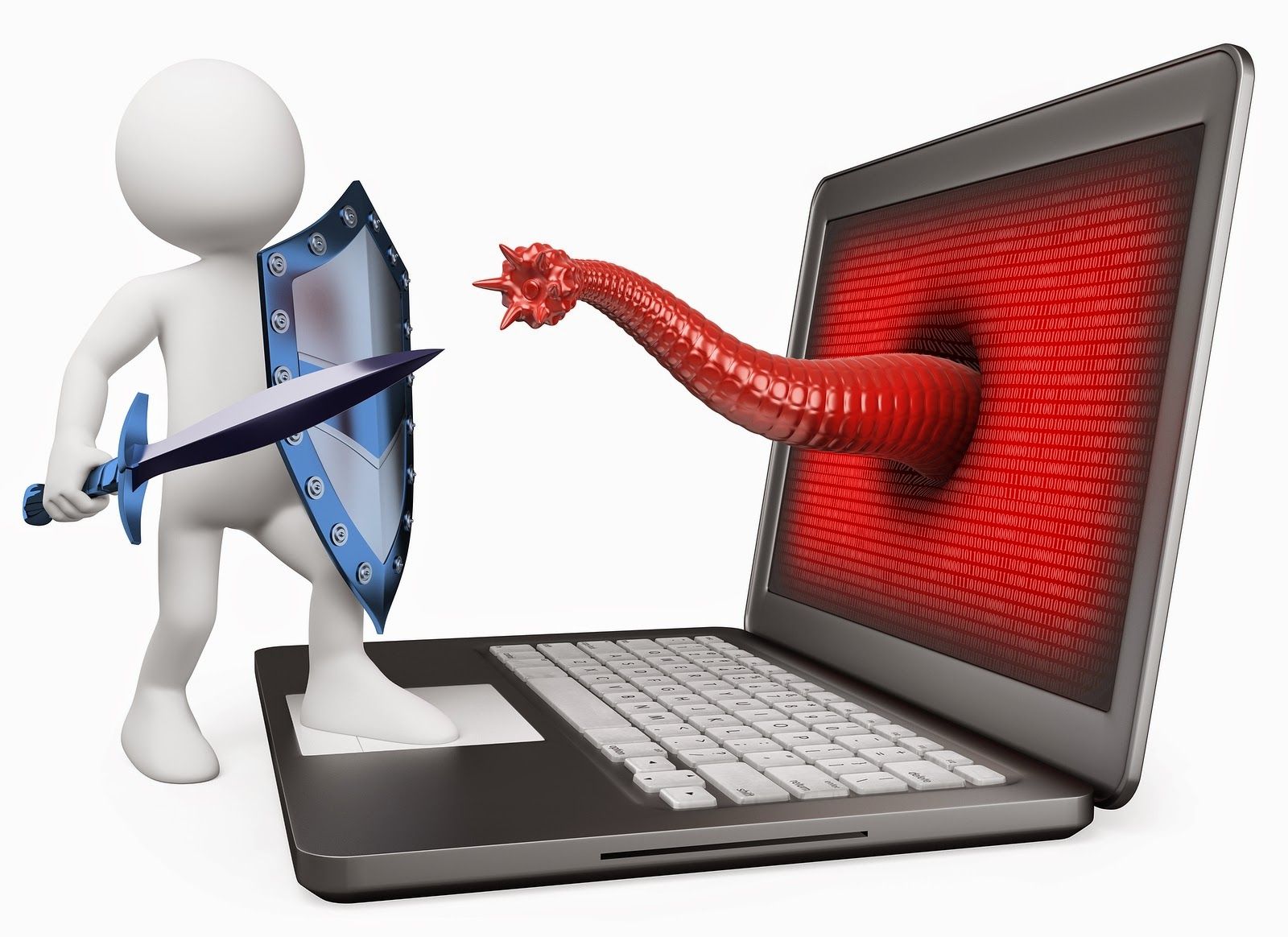

Viruses and other malware do not always announce themselves. Many try to stay hidden while they steal passwords or show adverts. Here is what to look out for.
Common signs of a virus or malware
- Lots of pop-ups, even when your web browser is closed.
- Your browser home page or search engine has changed by itself.
- New toolbars, extensions or programs you did not install.
- The computer is suddenly much slower, or the fan runs loudly all the time.
- Friends receive strange emails or messages from your account.
- Your antivirus has been switched off and will not turn back on.
- Files will not open and a message asks for payment – this is ransomware.
What to do straight away
- Disconnect from the internet (switch off Wi-Fi or unplug the cable) to stop it spreading or sending your data.
- Do not log in to online banking or type passwords on that computer until it is clean.
- From a different, safe device, change the passwords for your email and bank, and turn on two-step verification.
- Never pay a ransom or call a phone number shown in a pop-up – it is a scam.
- Get the computer checked and cleaned.
How to stay safe
- Keep Windows and your apps up to date.
- Use the built-in Windows Security (Microsoft Defender) or one trusted antivirus – not several at once.
- Only download software from the official website or the Microsoft Store.
- Be careful with email attachments and links, even if they look like they come from someone you know.
Our virus removal service removes the infection, checks your browser and settings, and makes sure your security is switched on and up to date.
Need a hand? Contact us or call us on 07963 598 960. We are on High Street in Winsford and also help customers from Middlewich, Northwich and across Mid-Cheshire. We will take a look and tell you honestly what is worth doing before any work starts.